
Unlimited Disk Usage
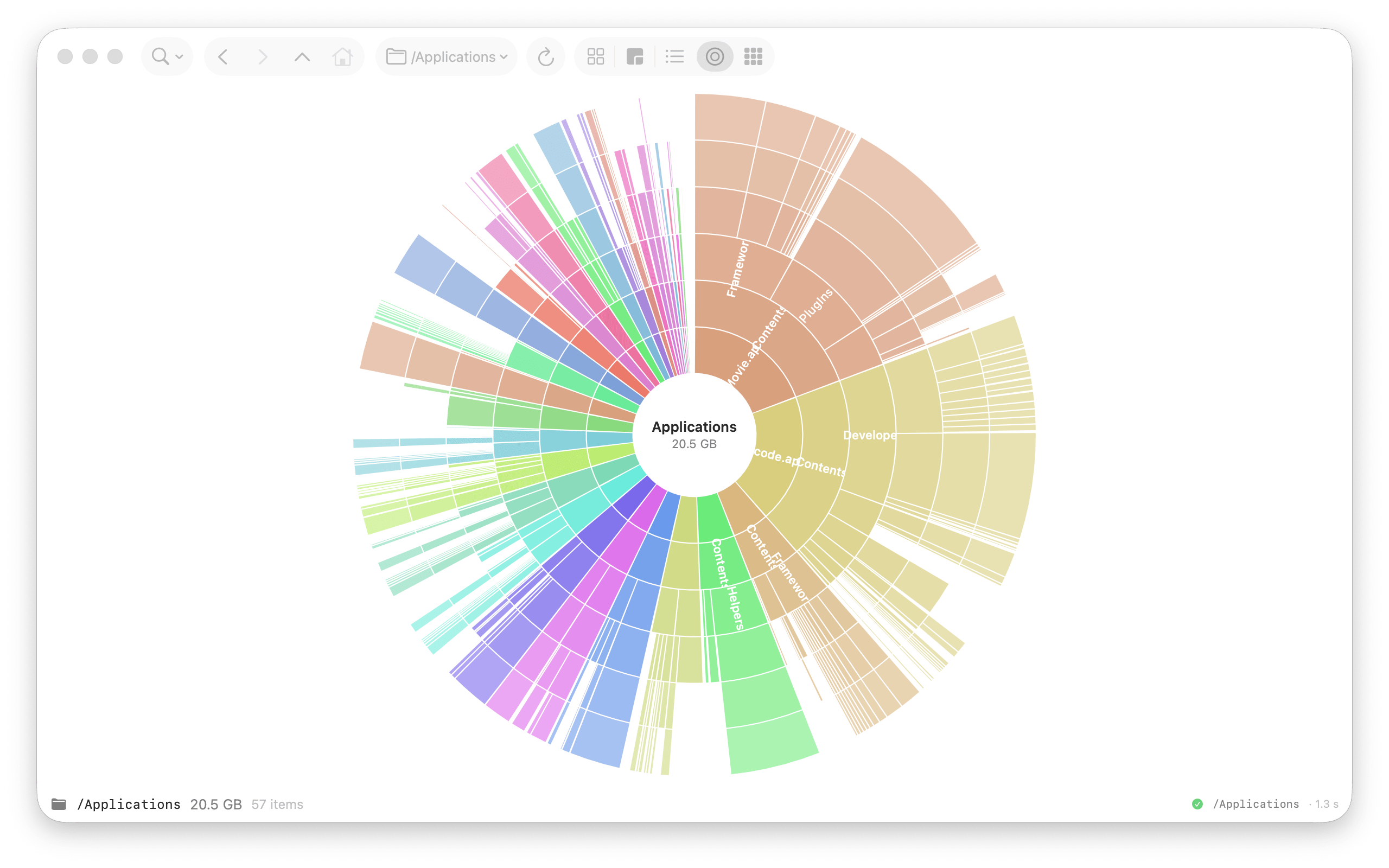
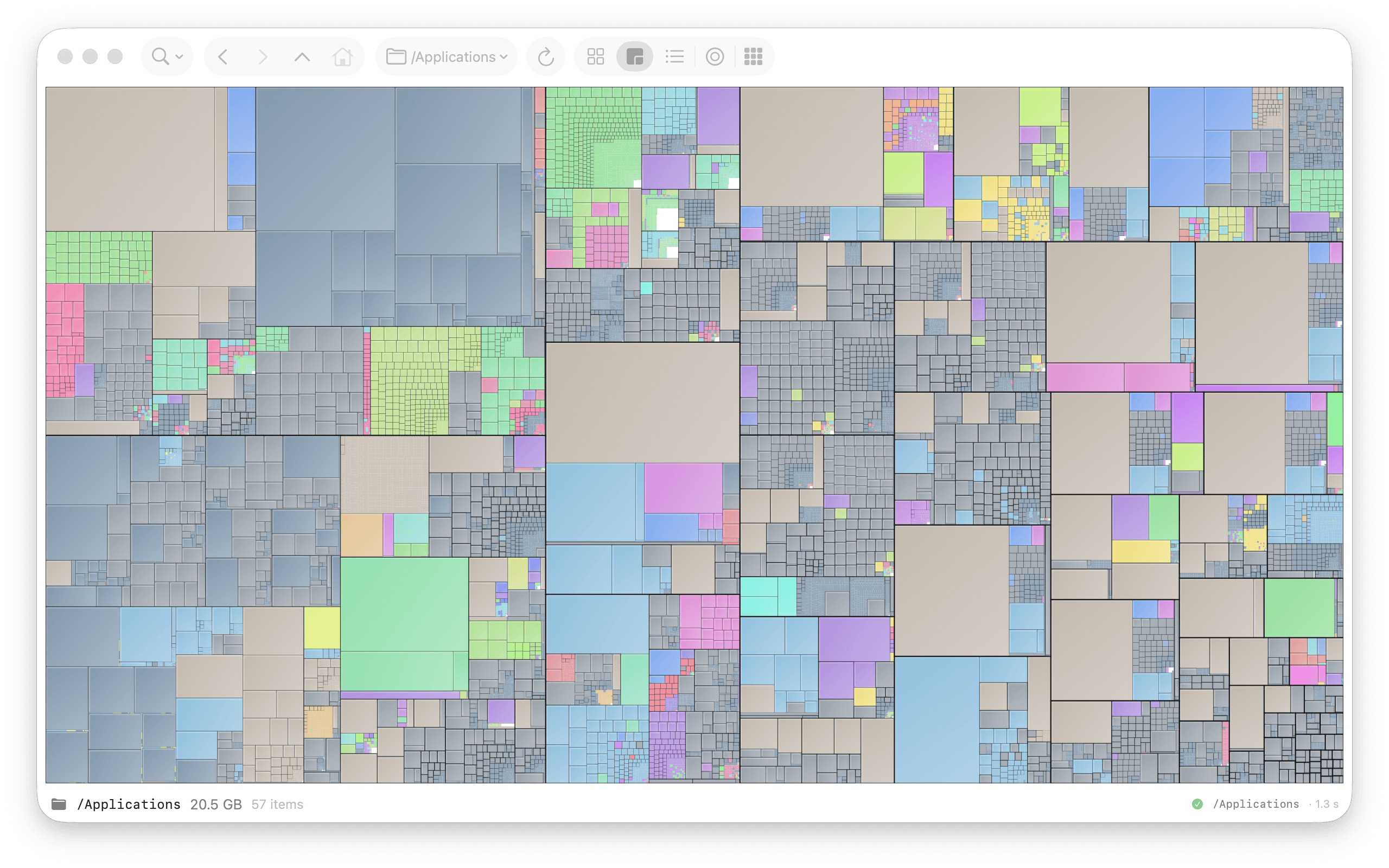
See where disk space went, as a treemap or sunburst.

Available on the Mac App Store.
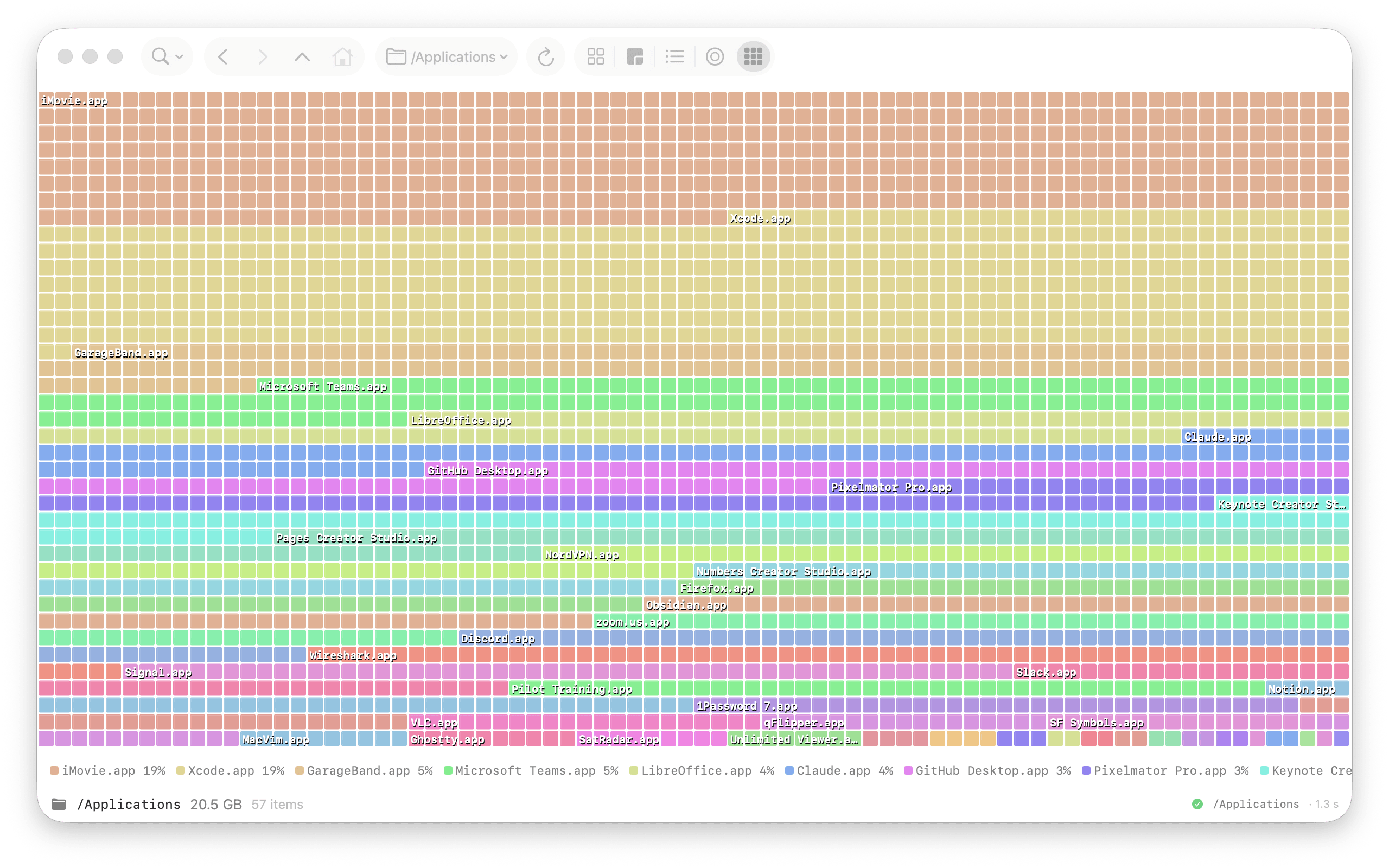
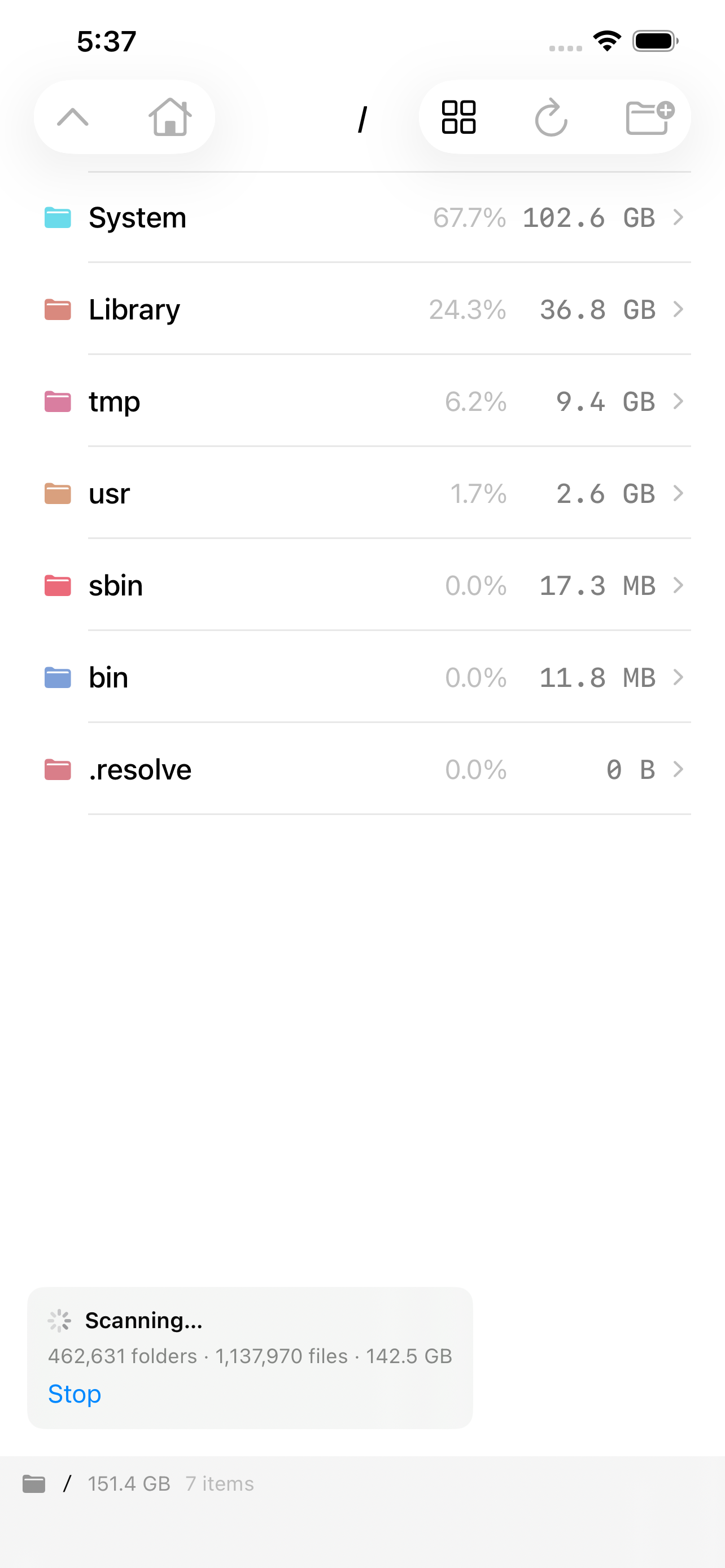
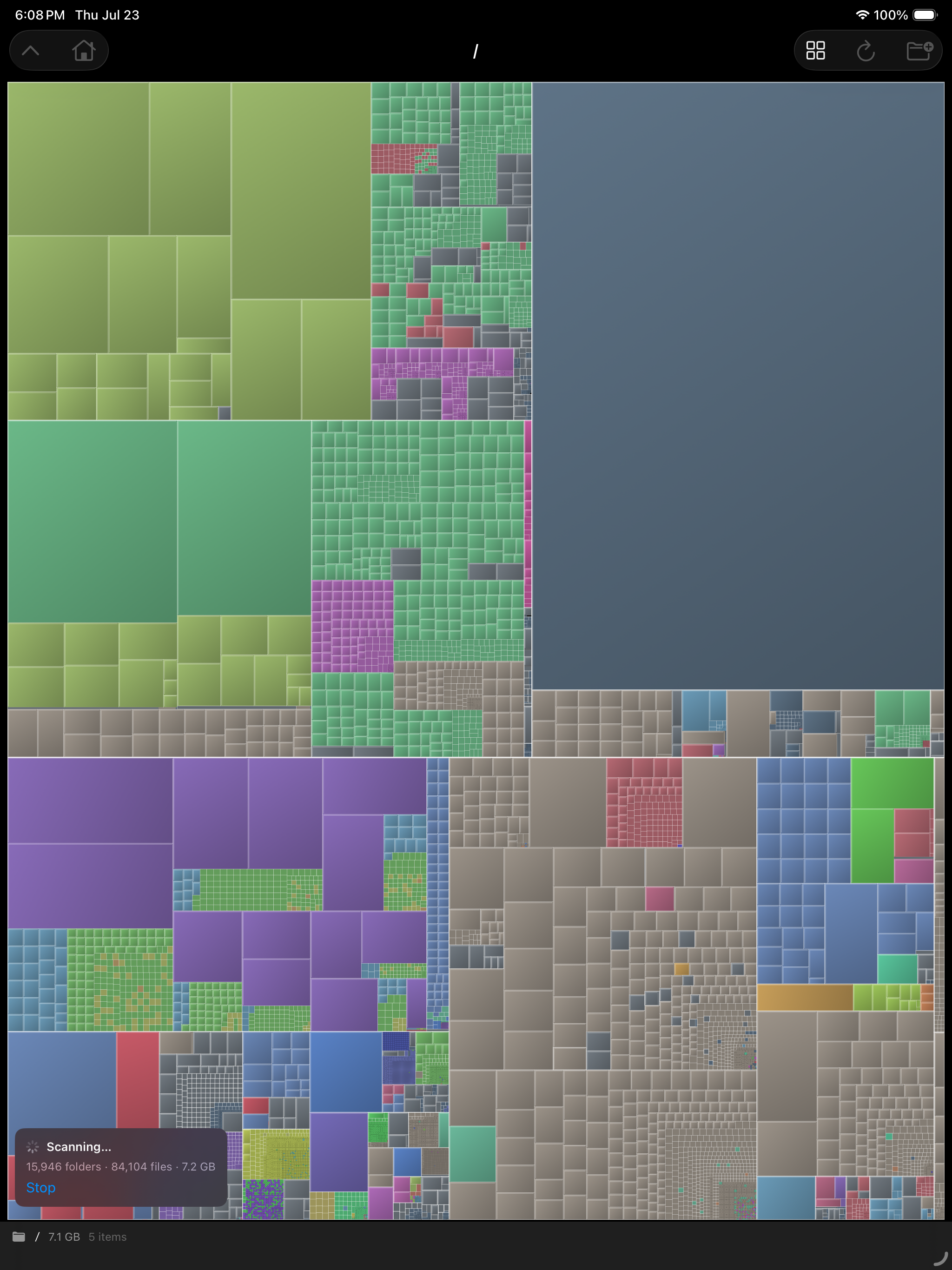
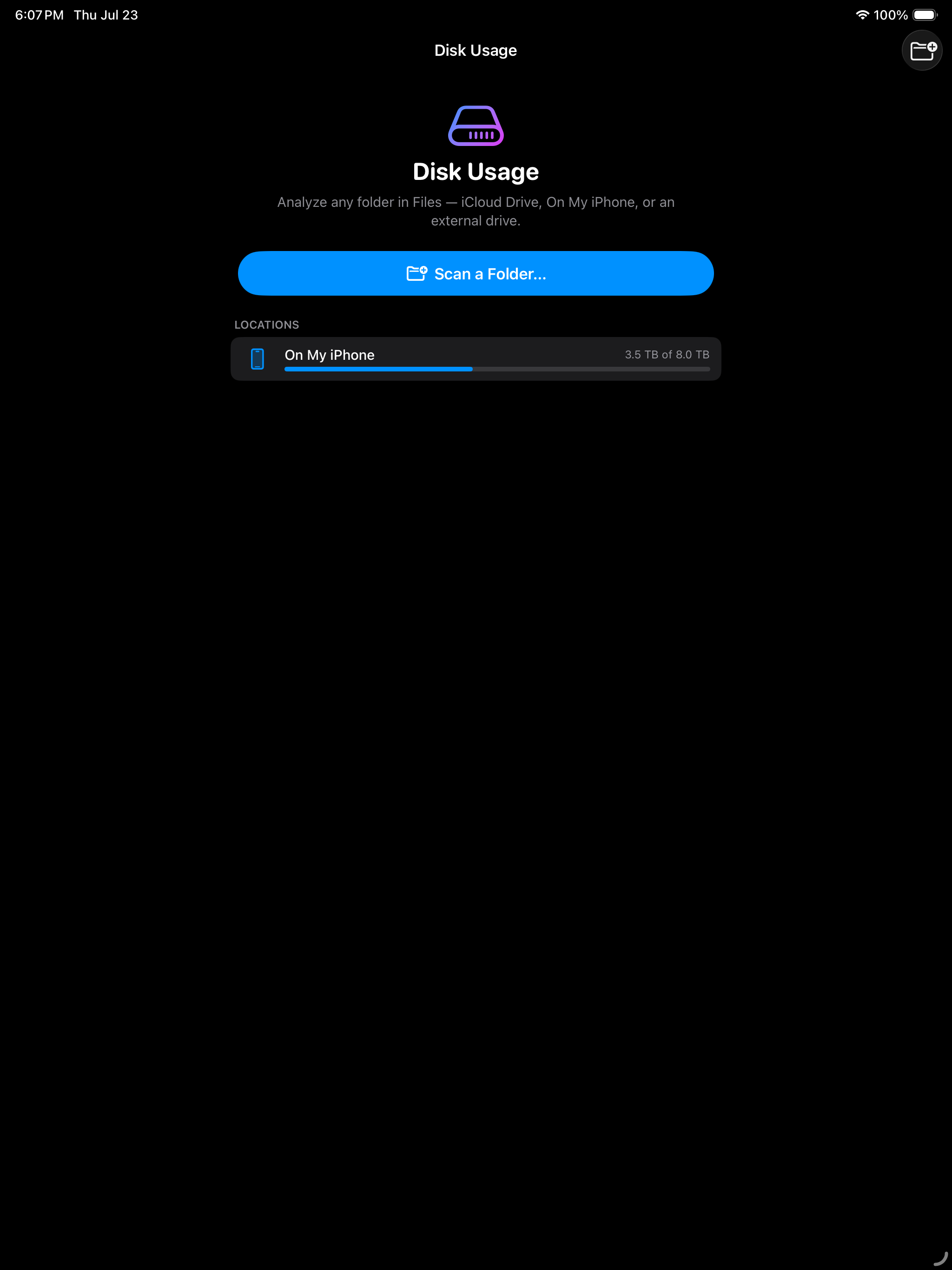
Scan a folder, your home directory, or a whole disk, then explore its contents as a treemap, mosaic, list, sunburst, or defrag-style block map.
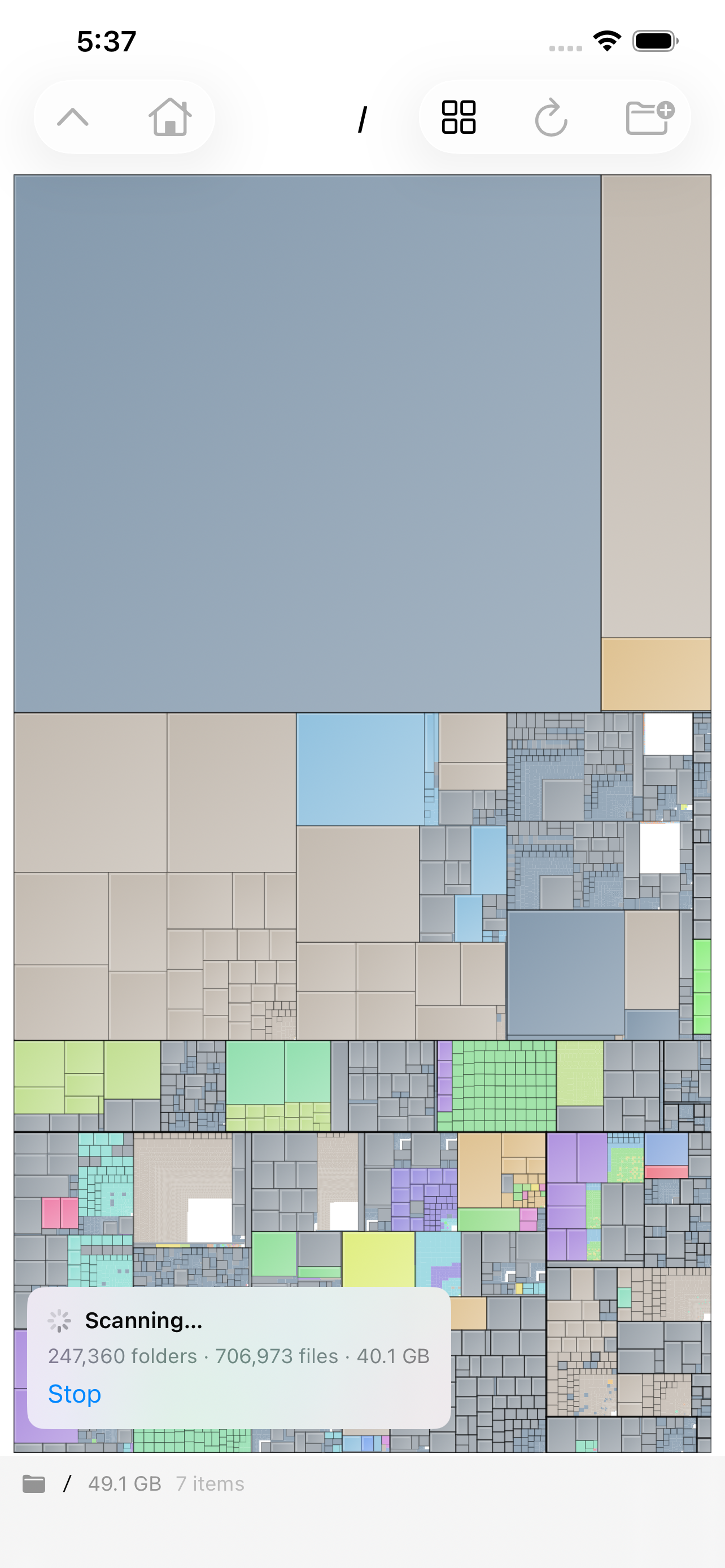
Results appear during the scan, so large folders surface before the pass finishes. Every view updates as the scanner walks the file system.
Five ways to see your disk
- Treemap — folders as nested rectangles, sized by what’s inside.
- Mosaic — every file as its own tile, color-coded by type.
- Sunburst — concentric rings radiating out from the scanned root.
- List — everything sorted by size.
- Block map — defrag-style blocks colored per app, with a size legend.
Highlights
- A living map — the view keeps refreshing as files are added, moved, or deleted, long after the scan finishes.
- Drill down without starting over — enter any folder, move back and forward, and rescan a single branch.
- Quick Access — keep common folders and recent scans one click away.
- Work with files directly — use Quick Look, Reveal in Finder, Copy Path, or Move to Trash; drag folders in to scan them and files out to use them elsewhere.
- Made for Mac — the interface supports full keyboard navigation and VoiceOver.
One purchase
One purchase covers the Mac app. Scan as many disks as you like.
No account, no subscription, no in-app purchases, no ads, no analytics, and no tracking. No cloud required.